Turn long recordings
into clips that spark.
ClipSpark transcribes your video in minutes, then automatically flags the best moments so they're ready to cut into short-form content — no editing software required.
v1.4.2 · Windows 10/11
Everything a content editor needs, on one timeline.
From raw transcript to upload-ready clip — ClipSpark handles the tedious part so you can focus on the story.
Automatic Transcription
Speech is converted to text with high accuracy, complete with per-word timestamps for precise moment search.
Best-Moment Detection
AI reads the context of the conversation and flags the parts most likely to grab a viewer's attention.
Auto Captions
Subtitles are burned into every clip automatically, ready to publish on Reels, Shorts, or TikTok.
Multi-Format Export
One click to export to 9:16, 1:1, or 16:9 — no manual re-cropping needed.
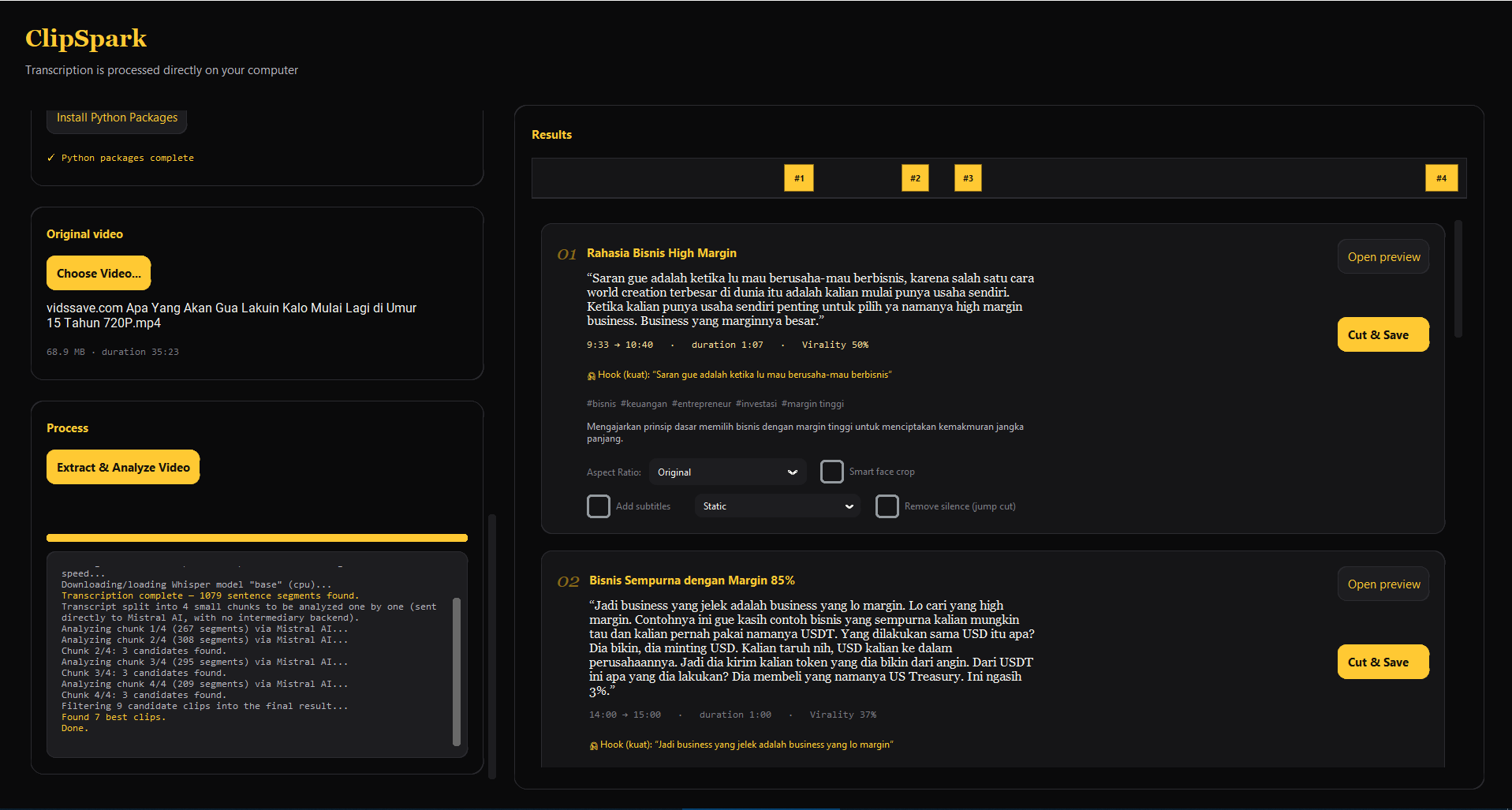
Four steps, from upload to upload.
Upload your video
Upload a file directly, or paste a YouTube / Google Drive link.
AI analyzes it
A transcript is generated and high-potential moments are flagged automatically.
Adjust the timecodes
Nudge the cut points if you want, or go straight with the AI's suggestion.
Export & share
Download the finished clip with captions, ready to post to any platform.
One video in, a whole content shelf out.
Every clip comes with a duration, caption, and platform preset — just pick one and upload.